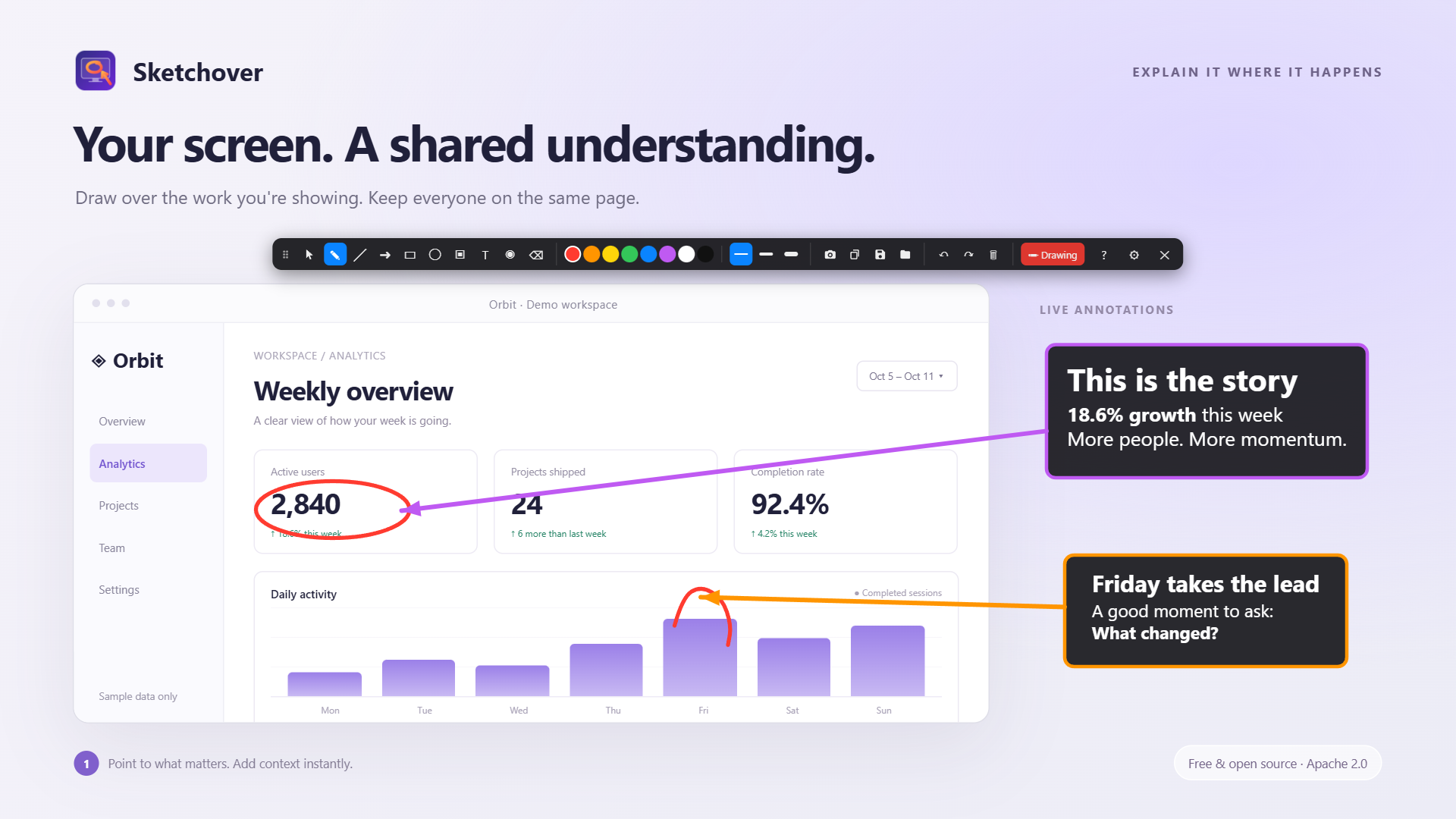
Free screen annotation software for Windows, macOS and Linux. Highlight details with arrows, add Markdown notes and capture screen regions during calls, lessons and presentations. Save your explanations as editable PNG files to share with colleagues.
For teaching, walkthroughs and collaborative reviews.
Explain directly on screenAdd notes and connected arrowsCapture and enlarge a detail
Capabilities
01
Screen annotation
Explain code, designs and spreadsheets in the app you are presenting.
02
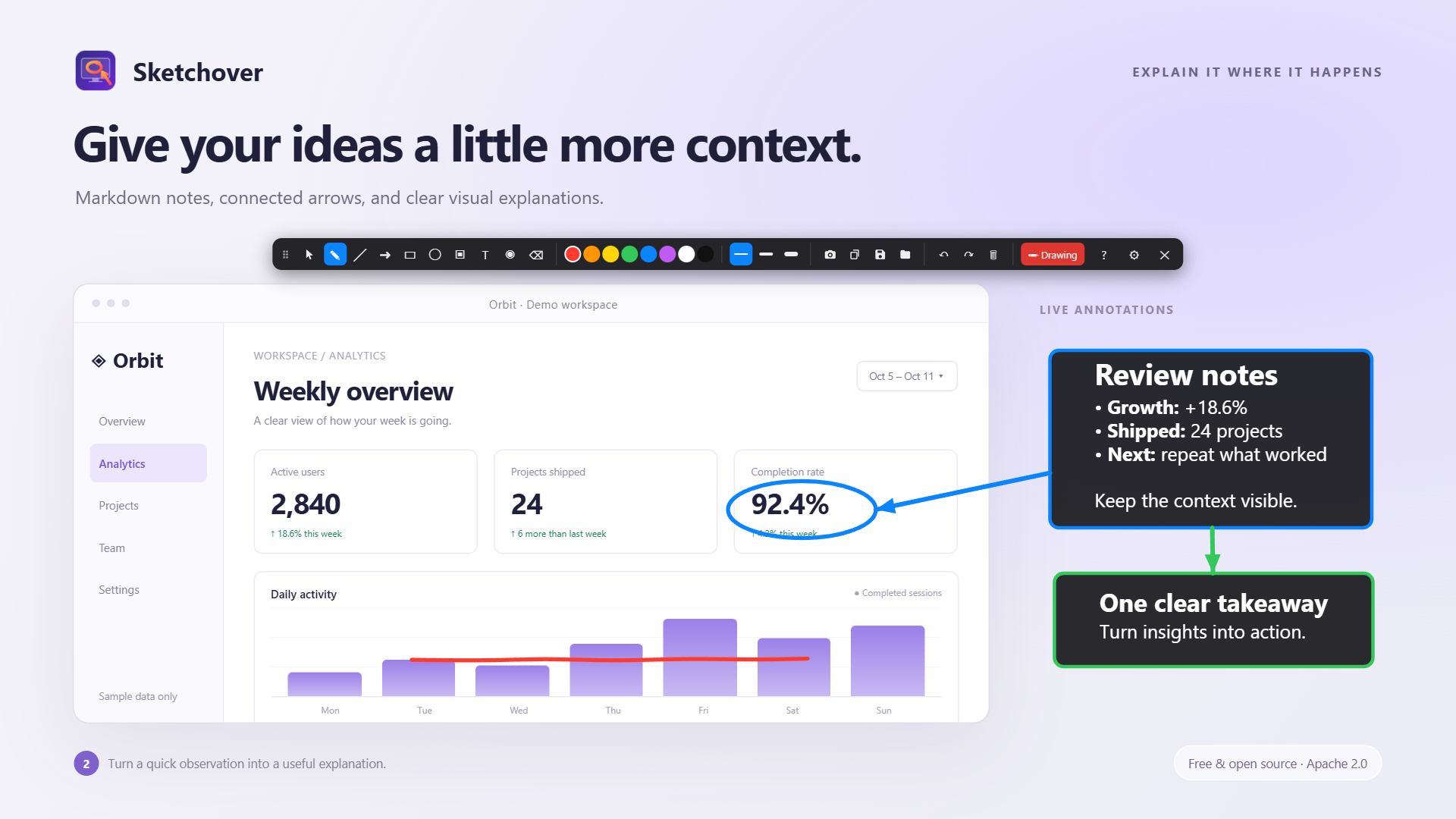
Markdown
Add structured notes and attach arrows to them.
03
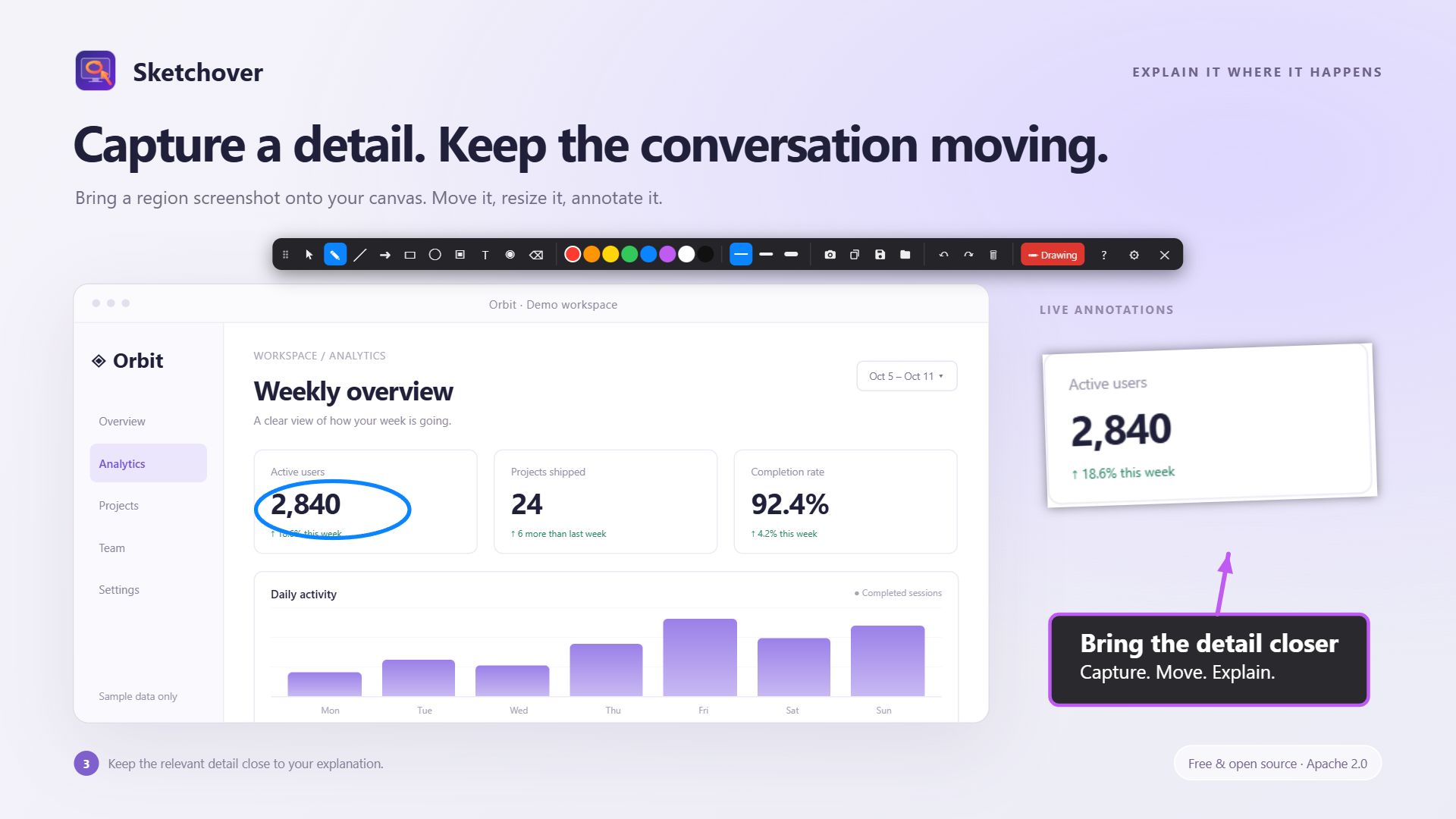
Screen capture
Place screen regions on the canvas, then move and resize them.
04
Editable PNG
Save an image and reopen it later to keep editing its objects.
Get started
Install the package for your OS. On macOS, allow Screen Recording to capture screenshots.
Open the canvas with Alt + ` and choose a tool from the toolbar.
Share your entire screen so others see the annotations. Ctrl+S saves an editable PNG; Ctrl+O reopens it.
Hold Alt to interact with underlying windows on Windows and macOS. On Linux, use Esc, the mode button or the global hotkey. Installers do not yet carry a developer certificate; your OS may ask you to confirm launch.
Self-hosted artifact repository for builds, packages and Docker images. Manage Git LFS, npm and Unity packages with versioning and access controls. Resumable uploads help teams move large files through development, testing and release workflows.
OCI / Docker
Git LFS
npm / Unity
Backups
Latest release
Open source
Signal Lab
Network protocol testing app for OSC, UDP, TCP, HTTP, WebSocket and MQTT. Send messages, emulate devices and reproduce network failures. Validate integrations with repeatable scenarios through the desktop interface, CLI or MCP.
OSC / UDP / TCP
HTTP / WebSocket
MQTT
CLI / MCP
In development
Paid application
Kodeks Nexus
Local knowledge base software for project wikis, codexes and research. Connect reference material, organize project structure and assemble context for AI workflows. A paid application for teams, authors and researchers, currently under active development.

 Latest release